
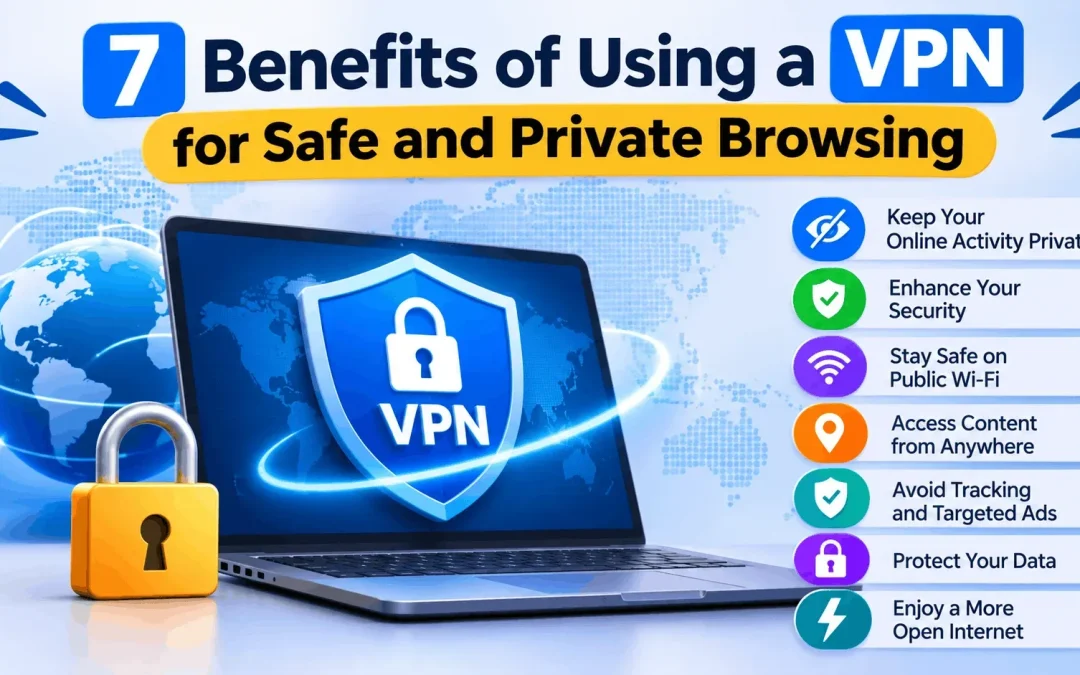
Every time you open a website, check your bank balance or join a café Wi-Fi network, you leave a trail of data behind. Advertisers, internet providers and sometimes criminals can read parts of that trail. A VPN (Virtual Private Network) is one of the simplest tools to reduce that exposure. Here is what it does, why it matters, and how to pick a secure VPN app that fits your phone.
What Is a VPN and How Does It Work?
A VPN creates an encrypted tunnel between your device and the internet. Your traffic goes through a VPN server first, so websites see the server’s IP address instead of yours. Anyone watching the connection in between sees only scrambled data.
Think of it like sending a letter in a locked box instead of a postcard. People can see that a box is moving, but they cannot read what is inside.
7 Benefits of Using a VPN
1. Safer Browsing on Public Wi-Fi
Free Wi-Fi at railway stations, airports, malls and cafés is convenient, but it is often poorly secured. Attackers can set up fake hotspots or snoop on unencrypted traffic. A VPN encrypts your connection, so passwords and messages stay unreadable even on an open network.
2. Your IP Address Stays Hidden
Your IP address reveals your approximate location and identifies your connection. Websites and ad networks use it to build profiles. With a VPN, they see the server’s address instead, which makes tracking you across the web much harder.
3. Less Tracking by Your Internet Provider
Without a VPN, your ISP can see which sites you visit. Some providers slow down video streaming or large downloads, a practice called throttling. Because a VPN hides your activity from the ISP, it can’t easily single out specific traffic to slow down.
4. Added Protection for Banking and Shopping
UPI payments, net banking and online shopping all involve sensitive details. Banks already use HTTPS, but a VPN adds another layer, especially when you are away from your home network. It is not a replacement for two-factor authentication, but it is a smart companion to it.
5. Access Content While Travelling
Streaming libraries, news sites and some work tools change depending on your location. Connecting to a server in another country lets you reach the content you normally use at home. Always check the terms of the service you are using, since rules vary.
6. Safer Remote Work and Study
Many people now work or study from home, hostels or co-working spaces. A VPN helps protect office logins, shared documents and video calls when the network is not under your control.
7. Stronger Privacy on Your Phone
Most of our browsing now happens on mobile. Android holds roughly seven out of ten smartphones worldwide, according to StatCounter, which makes it a frequent target for malicious apps and risky networks. A good secure VPN app protects every app on your phone, not just the browser.
How to Choose the Best Android VPN App
Searching for the best Android VPN app returns hundreds of options, and quality varies a lot. Look at these points before installing:
- A clear no-logs policy: The provider should state what it stores, ideally backed by an independent audit.
- Strong encryption and modern protocols: Look for AES-256 and protocols such as WireGuard or OpenVPN.
- A kill switch: This cuts your internet if the VPN drops, so nothing leaks.
- Speed and server spread: More servers usually mean steadier speeds.
- Fair pricing and honest reviews: Be cautious of apps that are completely free with no visible business model, since they may earn money from your data.
Free vs Paid VPN Apps
|
Free VPN |
Paid VPN |
|
|
Pros |
No cost, fine for light use |
Better speed, more servers, stronger privacy |
|
Cons |
Data caps, ads, weaker privacy |
Monthly or yearly fee |
Smarters VPN is one option worth comparing. As with any provider, test it using the trial or refund period, read its privacy policy, and judge it on speed and reliability for your own needs.
Know the Limits of a VPN
A VPN is helpful, but it is not magic. It will not protect you from phishing emails, weak passwords or malware you install yourself. Pair it with updated software, strong unique passwords and two-factor login.
India-specific note: in 2022, CERT-In directed VPN providers to keep user records for five years, which led some well-known providers to remove their Indian servers. Check where a provider’s servers sit and what it logs before you subscribe.
Final Thoughts
A VPN will not make you invisible, but it clearly improves your privacy on public networks, with your ISP and on your phone. Choose a trustworthy provider, check its policies and keep your other security habits strong. To try a secure VPN app yourself, you can explore Smarters VPN and compare it with other providers before deciding.