
Every time you open an app, check your bank balance, or stream a show, your data travels through networks you don’t control. A VPN app adds a layer of protection to that journey. This guide explains how a SmartersVPN works, five practical ways it protects you, and where its limits lie.
What Is a VPN App and How Does It Work?
A VPN (Virtual Private Network) creates an encrypted tunnel between your device and the internet. Your traffic goes to a VPN server first, then on to the website you want. Anyone watching your connection sees scrambled data instead of your activity.
Think of it as sending a letter in a locked box instead of a transparent envelope.
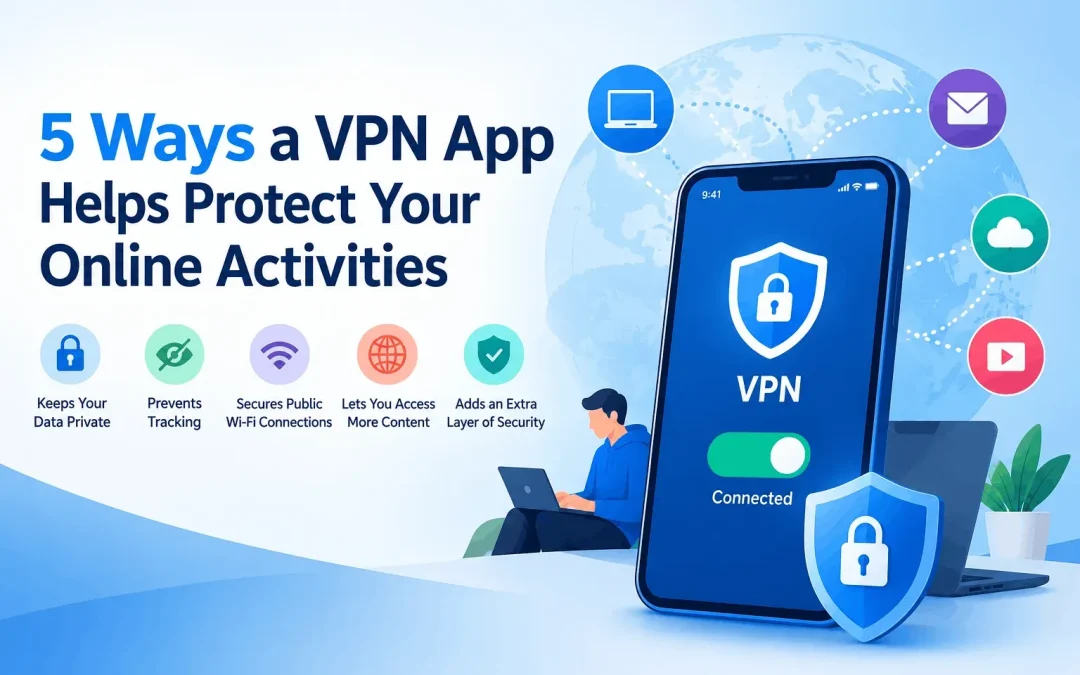
5 Ways a VPN App Helps Protect Your Online Activities
1. It Encrypts Your Data on Public Wi-Fi
Free Wi-Fi at railway stations, cafés, and airports is convenient, but it is often poorly secured. Attackers can set up “evil twin” hotspots with names like “Station_Free_WiFi” and capture whatever passes through.
With a VPN on, your data is encrypted before it leaves your phone. Even on a fake hotspot, the attacker only sees unreadable code. This matters most for banking, UPI apps, and logins.
2. It Hides Your IP Address
Your IP address works like a postal address for your device. Websites and advertisers use it to estimate your location and build a profile of your habits.
A VPN replaces your real IP with the server’s IP. Sites see the VPN server, not you. This reduces tracking and keeps your approximate location private.
3. It Stops Your ISP From Watching Your Browsing
Your internet service provider can see which sites you visit unless the traffic is encrypted. In 2017, the US Congress voted to roll back rules that limited how ISPs could use customer browsing data. Many people turned to VPNs in response.
With a VPN, your ISP only sees that you’re connected to a VPN server, not what you do there.
4. It Adds a Layer Against Malicious Sites and Trackers
Some VPN apps include extra tools such as malware-site blocking and ad or tracker blocking. These features vary by provider, so check what your app actually offers.
Keep this in mind: a VPN is not antivirus software. It can reduce exposure to risky sites, but it won’t remove a virus you’ve already downloaded.
5. It Helps You Avoid Throttling and Location Profiling
Some ISPs slow down certain traffic, such as video streaming, at busy times. Since a VPN hides what type of traffic you’re sending, it can sometimes prevent this. Results depend on your ISP and the VPN’s speed.
Hiding your location also limits how much advertisers and websites can tailor content or pricing based on where you are.
What a VPN Can’t Do
Being honest about limits builds trust, so here they are:
- It won’t make you anonymous. Logging into Google or Facebook still identifies you.
- It won’t stop phishing. If you enter your password on a fake site, a VPN can’t help.
- It can slow your speed. Encryption and distance add some delay.
- It depends on the provider. A VPN moves trust from your ISP to the VPN company.
A Local Note for Indian Users
In 2022, India’s CERT-In directed VPN providers to store certain user records for five years. Several large providers responded by removing their physical servers from India. Before subscribing, check where a provider’s servers are and what its logging policy says.
How to Choose a Reliable VPN App
Look for these features:
- A clear no-logs policy, ideally verified by an independent audit
- Strong encryption (AES-256) and modern protocols like WireGuard or OpenVPN
- A kill switch, which cuts your internet if the VPN drops
- Servers in the countries you need
- Easy apps for Android, iOS, and desktop
Providers like SmartersVPN
offer apps across devices, but whichever service you consider, compare it against this checklist and test it with a trial or refund period.
Final Thoughts
A VPN app protects your data on public networks, hides your IP address, limits ISP tracking, and adds extra safeguards depending on the provider. It works best alongside good habits: strong passwords, two-factor authentication, and updated software. Think of it as one strong lock on a door that needs several.