
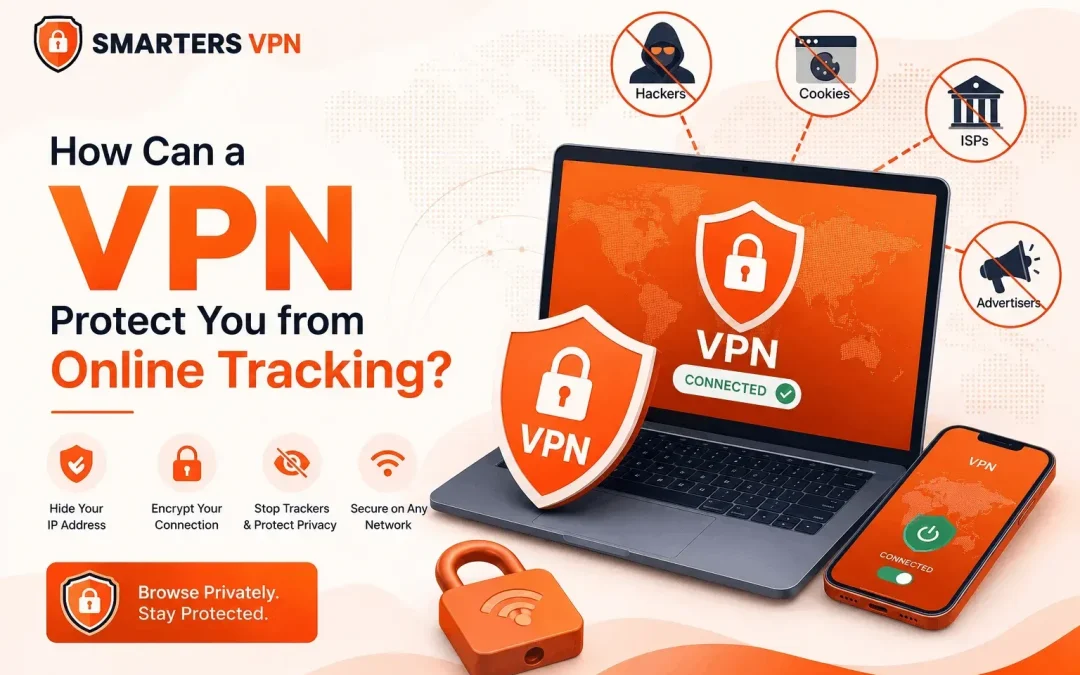
Ever searched for a pair of shoes once and then seen ads for the same shoes follow you across every app and website for the next two weeks? That’s online tracking at work. It’s quiet, constant, and most people never actually see it happening.
Online tracking isn’t just annoying ads. It’s data brokers, advertisers, and even your own internet provider building a profile of who you are based on what you click, search, and buy. A Best VPN App (Virtual Private Network) is one of the simplest tools you can use to cut a lot of that tracking off at the source. Here’s exactly how it works, where it falls short, and what to actually look for if you’re picking one.
What Is Online Tracking, Really?
Online tracking is the practice of collecting data about your browsing behavior, usually without you noticing. It happens through a few main channels:
- Cookies – small files websites store on your device to remember your activity
- IP tracking – using your IP address to identify your device and rough location
- Browser fingerprinting – identifying you by your device settings, screen size, and browser type, even without cookies
- ISP monitoring – your internet provider logging which sites you visit, sometimes for its own data-selling purposes
According to Cisco’s 2024 Consumer Privacy Survey, a large majority of internet users say they’re concerned about how companies use their personal data, yet most don’t take active steps to protect it largely because they don’t know where to start.
How a VPN Protects You from Tracking
A VPN encrypts your internet traffic and routes it through a remote server before it reaches the website you’re visiting. That single step changes a lot.
It Masks Your IP Address
Your IP address is like a return address on every request you send online. A VPN replaces it with the VPN server’s IP, so websites and trackers can’t trace activity back to your actual device or location.
It Encrypts Your Traffic from Your ISP
Without a VPN, your internet provider can see every domain you visit, even on HTTPS sites. With a VPN active, your ISP only sees an encrypted connection to a VPN server — not your browsing history.
It Weakens Location-Based Profiling
Ad networks often use your location to serve targeted content or adjust pricing. Connecting through a VPN server in a different region makes this kind of profiling far less accurate.
It Limits Cross-Site Tracking
Trackers often link your activity across different websites using your consistent IP address. Since a VPN changes that address, it becomes harder for advertisers to connect the dots between your visits to unrelated sites.
What a VPN Can’t Do
It’s important to be upfront here; a VPN isn’t a complete privacy shield.
A VPN does NOT:
- Block cookies already stored in your browser
- Stop browser fingerprinting
- Hide your identity if you’re logged into Google, Facebook, or similar accounts
- Protect you from tracking within apps that use their own tracking SDKs
For full coverage, pair a VPN with a tracker-blocking browser extension and privacy-focused browser settings.
A 2023 study by the CSIRO (Australia’s national science agency) found that a significant number of free Android VPN apps contained third-party tracking libraries — the very thing users installed a VPN to avoid.
Choosing a Reliable VPN
Look for:
- A verifiable no-logs policy
- AES-256 encryption or equivalent
- A kill switch feature
- Transparent ownership and jurisdiction
This is where a provider like SmartersVPN fits the picture offering encrypted connections and a no-logs approach without the bloated pricing tiers many competitors push.
FAQs
Does a VPN make me completely anonymous online?
No. It hides your IP and encrypts traffic, but cookies, logins, and fingerprinting can still identify you.
Can my ISP still see that I’m using a VPN?
Yes, they can see you’re connected to a VPN server, just not what you’re doing on it.
Are free VPNs safe to use?
Some are, but many monetize through data collection or ads read the privacy policy before trusting one.
Final Thoughts
A VPN won’t erase your digital footprint, but it removes some of the easiest tracking methods companies rely on starting with your IP address and ISP visibility. Combined with smart browsing habits, it’s a solid first layer of privacy.
Explore how SmartersVPN protects your connection without the usual trade-offs.